
Pinterest is a powerful platform for driving traffic to your website.
Its visual appeal and high user engagement offer a unique opportunity to reach potential customers.



In this guide, we’ll show you how to use Pinterest effectively to boost your site’s visibility and attract more visitors.
Why Pinterest?
Pinterest is a unique platform for driving traffic, focusing on discovery and long-term engagement.
Unlike other social media sites, it acts as a visual search engine where users actively seek inspiration. Here’s why it’s worth using for traffic:
- High Engagement Levels: Pinterest users are highly engaged and spend more time on the platform, increasing the likelihood of clicks to your site.
- Visual Appeal: Pinterest’s design emphasizes visuals, making it ideal for showcasing products and content.
- Long-Term Traffic Potential: Pins have a longer lifespan and continue to drive traffic well after posting.
- Targeted Audience: Pinterest allows you to reach specific audiences based on their interests and searches.
- Search Engine Integration: Pinterest acts as a visual search engine, helping your content get discovered on both Pinterest and Google.
Setting Up a Pinterest Business Account
A Pinterest business account offers valuable features that can help you track performance, create ads, and better engage with your audience.
Setting up a business account is simple and can enhance your ability to drive traffic to your site. Here’s how to get started:
- Create a Business Account: Go to Pinterest’s sign-up page and choose the business option. Fill in your details and verify your email.
- Complete Your Profile: Add a business name, profile picture, and a brief business description. Make sure your bio is clear and keyword-rich.
- Claim Your Website: Claim your website to unlock analytics and track traffic. This helps you see how your pins are performing.
- Set Up Rich Pins: Enable Rich Pins to add extra details like pricing, availability, and product information to your pins.
- Access Analytics: Use Pinterest Analytics to track pin performance and adjust your strategy based on engagement, impressions, and clicks.
- Enable Pinterest Ads: With a business account, you can create and run ads to boost your reach and drive more traffic to your site.
Creating Effective Pins
Creating high-quality, clickable pins is essential for driving traffic to your site.
A well-designed pin can capture attention and encourage users to visit your website. Here are five key points to keep in mind when creating effective pins:
- Use High-Quality Images: Ensure your images are clear, bright, and visually appealing. High-quality visuals stand out and attract more clicks.
- Keep Text Clear and Concise: Include short, compelling text that communicates the value of the content. Avoid cluttered designs.
- Incorporate Your Branding: Add your logo or brand colors to your pins to increase brand recognition and consistency.
- Optimize Pin Size: Vertical pins (1000 x 1500 pixels) tend to perform better on Pinterest, so be sure your images are formatted correctly.
- Use a Strong Call to Action: Use clear CTAs like “Learn More” or “Shop Now” to guide users to take action.
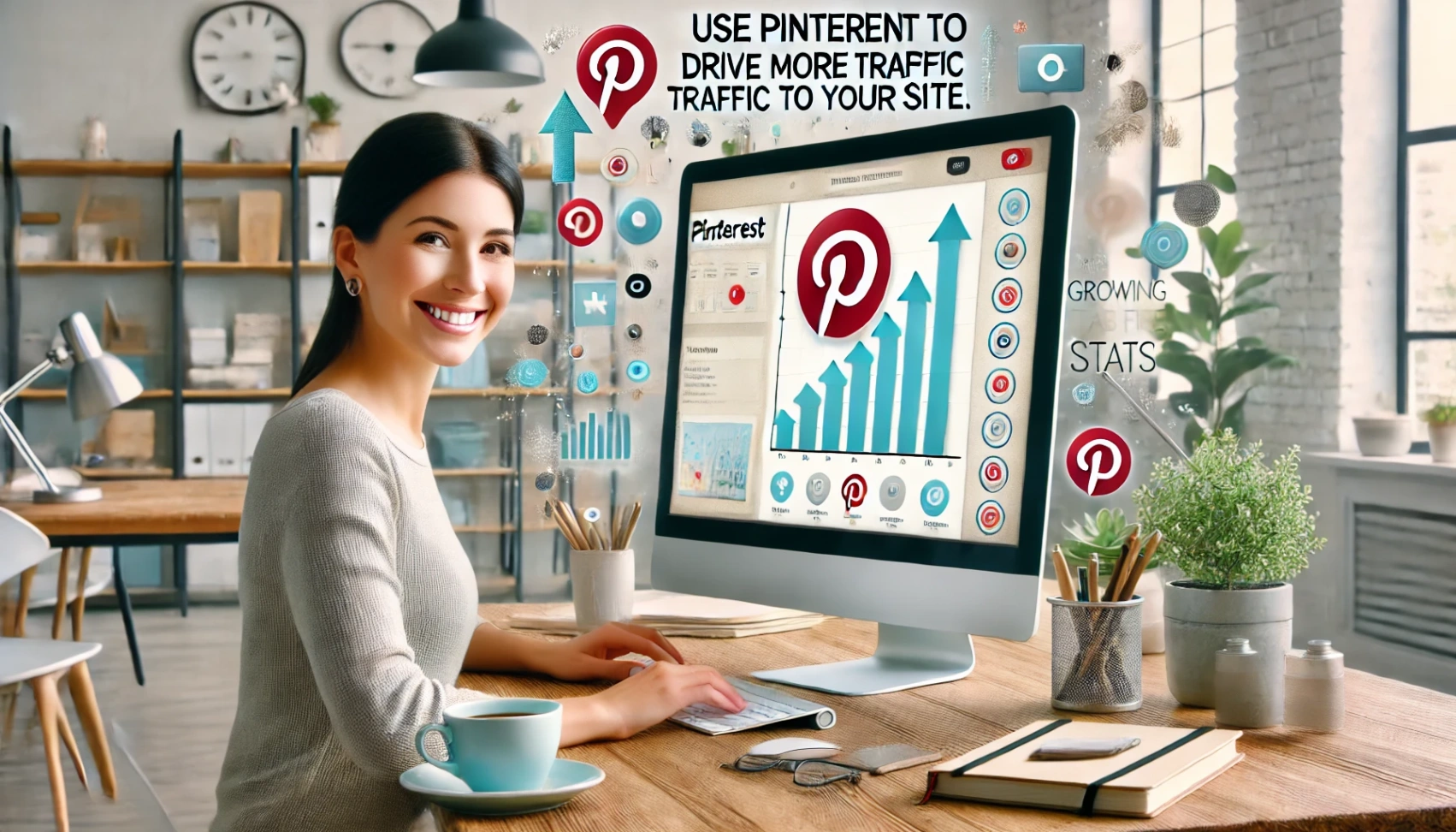
Use Keywords to Optimize Pins
Optimizing your pins with relevant keywords is crucial for increasing their visibility and driving traffic.
Using the right keywords helps your pins appear in search results for relevant content. Here are five tips for keyword optimization:
- Research Relevant Keywords: Use Pinterest’s search bar to find trending keywords related to your content.
- Include Keywords in Pin Descriptions: Add keywords to descriptions naturally for better discoverability.
- Add Keywords to Pin Titles: Create keyword-rich titles that explain the pin’s content and aid the search.
- Use Hashtags: Add relevant hashtags to categorize your pins and increase visibility.
- Monitor Performance and Adjust: Use Pinterest Analytics to track keyword performance and optimize your strategy.
Linking to Your Website
Linking your pins directly to your website is essential for driving traffic and converting Pinterest users into visitors.
Properly linking ensures that users can easily find the content or products you’re promoting. Here’s how to effectively link your pins to your website:
- Add Links to Your Pins: Include the URL of the page you want to drive traffic to in the pin’s destination URL field.
- Ensure Relevance: Ensure the landing page matches the pin’s content to provide users with a seamless experience.
- Use Clear CTAs: Incorporate strong calls to action (CTAs) that direct users to click through, such as “Learn More” or “Shop Now.”
- Check for Working Links: Regularly test your links to ensure they work correctly and lead to the correct pages.
- Optimize Landing Pages: Ensure the linked page is easy to navigate, loads fast, and offers valuable content or a smooth shopping experience.
Pinterest Analytics: Measuring Success
Pinterest Analytics is a powerful tool for tracking the performance of your pins, boards, and overall account.
You can refine your strategy by monitoring key metrics and focusing on the content that drives the most traffic. Here’s how to use Pinterest Analytics effectively:
- Track Impressions: Monitor how often your pins are seen to gauge overall reach.
- Measure Click-Through Rate (CTR): Track the number of clicks your pins receive to understand user engagement and interest.
- Check Engagement Rates: Measure how users interact with your pins (repins, likes, comments) to assess the quality of your content.
- Analyze Traffic to Your Website: See how many visitors come from Pinterest to your website and what actions they take.
- Refine Strategy Based on Data: Use insights from analytics to adjust your content, timing, and keyword strategy for better results.
Engage with Your Audience
Engaging with your audience on Pinterest helps build a loyal following and encourages more interaction with your pins.
Active engagement increases the visibility of your content and drives more traffic to your website. Here are some ways to engage effectively with your audience:
- Respond to Comments: Engage with users by replying to comments on your pins to create a conversation and build relationships.
- Follow Back: Follow relevant users and brands to show your support and stay connected with your audience.
- Repin User Content: Repin relevant content from others to show appreciation and increase your visibility within the community.
- Encourage User-Generated Content: Invite followers to share brand-related content and repin it to boost engagement.
- Stay Consistent: Regularly post new pins and engage with your audience to maintain visibility and build a steady presence on Pinterest.
Leverage Pinterest Trends
Pinterest Trends helps you identify popular topics and seasonal content gaining traction on the platform.
Incorporating trending ideas into your pins can increase visibility and drive more traffic to your site. Here’s how to leverage Pinterest Trends:
- Explore Pinterest Trends: Use the Pinterest Trends tool to find trending topics and keywords relevant to your content.
- Incorporate Seasonal Content: Align your pins with seasonal trends or events to capture timely interest and engagement.
- Create Trend-Based Pins: To attract more views, design pins that directly address current trends or popular themes.
- Use Trend-Related Keywords: Optimize your pins by using trending keywords in titles, descriptions, and hashtags.
- Stay Updated: Regularly check Pinterest Trends to ensure your content stays relevant and aligned with user interests.
The Bottomline
When used effectively, Pinterest is a powerful tool for driving traffic to your website.
Optimizing your pins, engaging with your audience, and leveraging trends can significantly boost your visibility and reach.
Start implementing these strategies today and watch your traffic grow—don’t forget to monitor your results and adjust as needed for continued success.