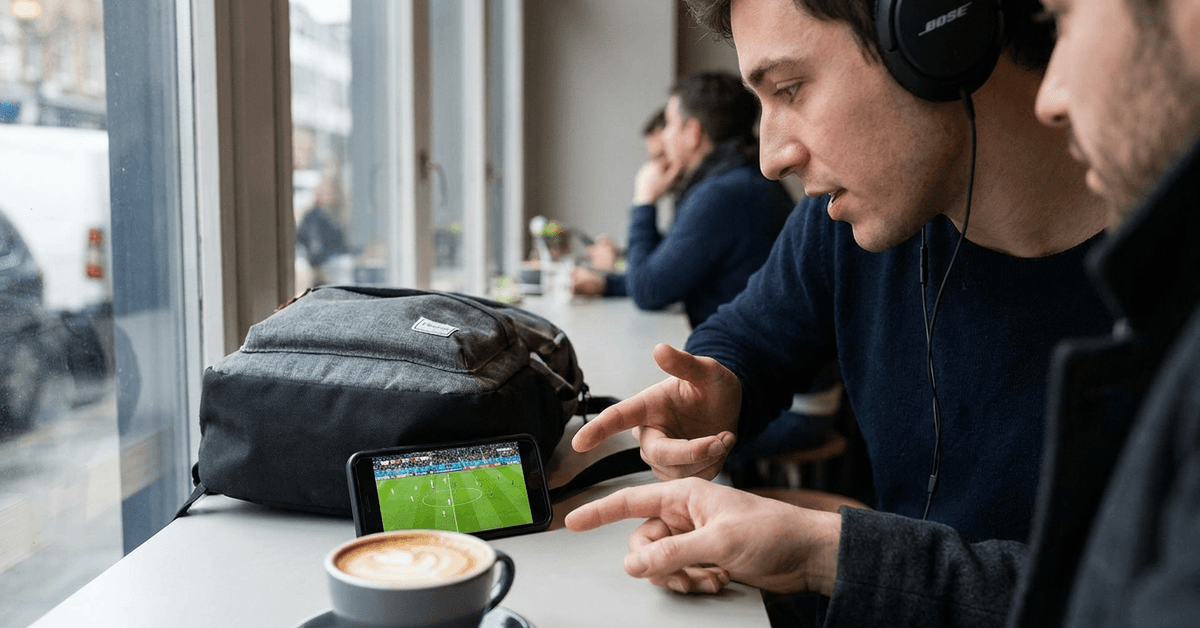
The 2026 FIFA World Cup kicks off across the US, Mexico, and Canada, and your couch might not be where you watch it. Plenty of fans will catch their first goal of the tournament on a phone screen during a lunch break.
That sounds simple enough. But mobile streaming for live sports breaks in ways that Netflix never does. Buffering during a penalty shootout is a different kind of pain.


This guide is built for the fan who already knows they want to stream the World Cup on their phone. The question is how to do it without lag, geo-blocking surprises, or sketchy apps draining your battery and your data plan.
I wrote this specifically for people who commute, travel for work, or simply share a household where the TV belongs to someone else during match hours.
Where to Watch: Official World Cup Streaming Apps for Mobile
The app store will be flooded with options the moment the tournament starts. Sorting legitimate apps from data-harvesting junk is half the battle.
Licensed Broadcaster Apps by Region
Every country has its own broadcast deal, and those deals dictate which app you need. A fan in Spain needs RTVE Play.
A fan in France needs TF1 or beIN Sports. A fan in the UK should check BBC iPlayer first. German viewers get ARD/ZDF Mediathek, and Brazilian fans can turn to Globo Play.
The catch that nobody mentions: these licenses are regional. The app that works at home may go dark the moment you land in another country.
If you travel during the tournament, check whether your broadcaster’s app works outside your home country before match day. Some do. Some lock you out completely.
FIFA+ and Global Platforms
FIFA+ has been expanding its free content library since launching in 2022. For the 2026 tournament, it may offer limited free matches or highlights depending on your market.
The platform also carries archived matches and documentaries, which can fill gaps between live games.
ESPN+ covers select markets in the Americas. DAZN holds rights in several European and Asian territories.
I would check DAZN’s 2026 rights early because their coverage map changes between tournaments, and waiting until the group stage to figure this out means scrambling.
Mobile Carrier Deals Worth Checking
Some carriers bundle sports streaming access into specific plans. This varies wildly by country and provider, but it costs nothing to ask.
A quick call or chat with your carrier’s support team before the tournament could save real money on data or even unlock a free streaming subscription you did not know about.
The following comparison covers the major platforms and what each one brings to mobile:
| Platform | Live Matches | Replays | Multi-Language Commentary | Free Tier |
|---|---|---|---|---|
| FIFA+ | Limited (market-dependent) | Yes | Yes | Yes |
| BBC iPlayer | UK only | Yes | English only | Yes (UK) |
| beIN Sports | Multi-region | Yes | Yes | No |
| ESPN+ | Americas (select) | Yes | English/Spanish | No |
| RTVE Play | Spain | Yes | Spanish | Yes |
The takeaway: no single app covers every market, so knowing your region’s licensed broadcaster is the first step before downloading anything.
Phone Settings That Save Your Stream and Your Battery
A working app means nothing if your phone dies in the 70th minute or your connection drops during a counter-attack.
Update Everything the Night Before
Operating system updates and app updates both matter.
Streaming apps push performance patches close to major tournaments, and running an outdated version is the easiest way to trigger crashes mid-match. Do this the night before, not five minutes before kickoff.
Battery Management During Long Matches
A World Cup knockout match can run over two hours with extra time and penalties. That will drain a phone fast, especially at full brightness.
A few things that make a real difference:
- Lower screen brightness to 40-50% and let auto-brightness handle the rest
- Close background apps that pull data and processing power (social media, email sync, cloud backups)
- Carry a portable charger rated at 10,000mAh or higher, enough for a full recharge during extra time
- Turn off location services for apps that do not need them during the match
The Wi-Fi vs. Mobile Data Question
I disagree with the blanket advice to always use Wi-Fi over mobile data for live sports streaming.
Public Wi-Fi networks in cafes, airports, and co-working spaces get crushed during major sporting events when dozens of people stream simultaneously on the same router.
A strong 5G or LTE connection on a phone with a solid carrier plan will often deliver smoother, more consistent video than shared Wi-Fi during peak moments.
That said, home Wi-Fi on a private network is still the best option if you have it. The rule I follow: private Wi-Fi first, mobile data second, public Wi-Fi last.
Audio, Notifications, and the Small Details People Forget
Earbuds Change Everything
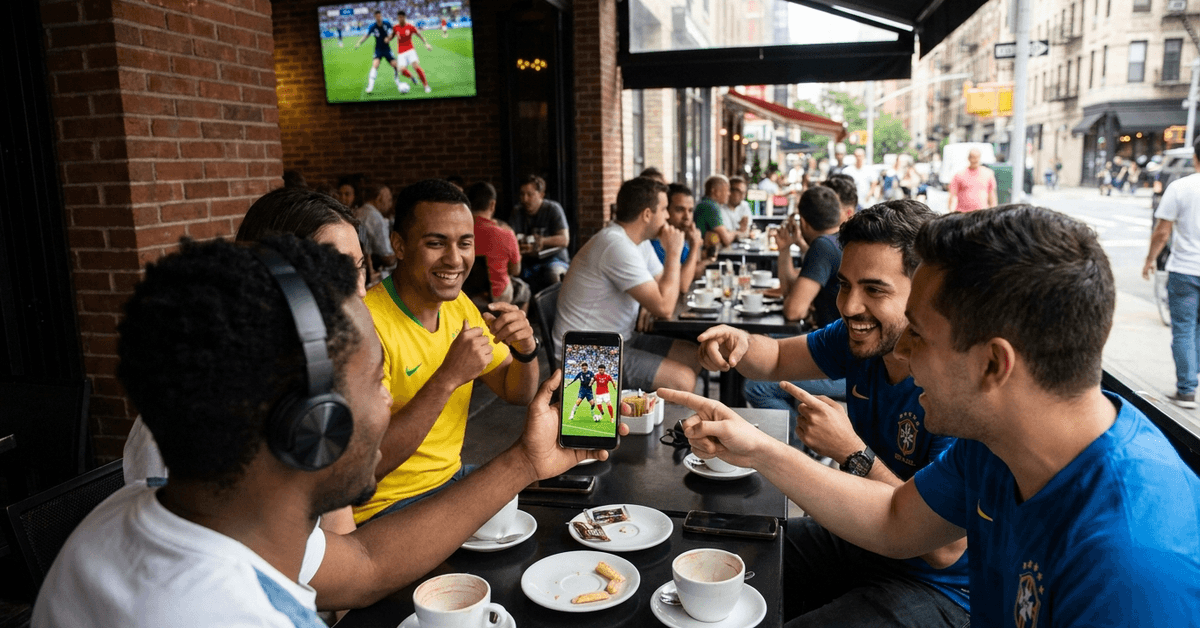
Built-in phone speakers are terrible for sports commentary, especially outdoors or on public transport.
A pair of wireless earbuds with decent noise isolation turns a phone screen into something that feels like a private viewing room. The difference is dramatic enough that I consider earbuds a non-negotiable for mobile sports watching.
Kill Notifications During the Match
Nothing ruins a goal like a banner notification sliding across the screen at the exact wrong second. Do Not Disturb mode exists for exactly this reason. Set it before kickoff and whitelist only emergency contacts.
A few settings to lock down before the match starts:
- Enable Do Not Disturb or Focus mode on iOS/Android
- Disable score notifications from other sports apps (spoilers from parallel matches are real)
- Turn off auto-play previews on social media apps that might spoil results while you scroll during halftime
Replay and Rewind Features
Almost every licensed streaming app offers a rewind function during live matches. This is underrated. If a call looks wrong, rewind it. If a goal happens while you are distracted, catch it ten seconds later.
The apps that support full match replays after the final whistle are the ones worth prioritizing for fans who cannot always watch live.
Staying Safe: Avoiding Fake Streams and Data Traps
The World Cup attracts scam streaming sites like few other events. A Google search for “free World Cup stream” will return dozens of links that look promising and deliver malware instead.
Stick to apps downloaded through the Google Play Store or Apple App Store. Both platforms screen for malicious software, though neither is perfect.
If an app asks for permissions that make no sense (a streaming app requesting access to your contacts or SMS), delete it immediately.
Data usage is the other concern. Live HD video can burn through 2-3 GB per match. A full group stage watched on mobile data could eat 20+ GB easily.
Check your carrier’s data tracking tools and set alerts so a quarterfinal binge does not result in a surprise bill.
Updating apps regularly also matters for security. Patches often close holes that bad actors try to exploit during high-traffic events like the World Cup.
Beyond Live Matches: Getting More from Your Streaming App
Multi-Angle Streams and Stats Overlays
Some apps, particularly FIFA+ and beIN Sports, offer alternate camera angles and live statistics overlays.
These features are easy to miss if you do not dig into the app’s settings menu. For tactical fans who want to watch off-the-ball movement or track possession stats in real time, they are worth finding.
Sharing Clips and Group Chats
Mobile makes sharing effortless. Clip a goal, drop it in a group chat, and the reaction is instant.
Several streaming apps have built-in sharing tools that let you send short highlight clips directly through WhatsApp, Telegram, or other messaging platforms. This turns solo viewing into something social even when nobody else is in the room.
Questions People Ask About Streaming the World Cup on Phone
Q: Can I stream World Cup matches for free on my phone? FIFA+ may offer select free matches depending on your country. Some national broadcasters like BBC iPlayer (UK) and RTVE Play (Spain) also stream matches free within their territories. Availability changes between tournaments, so check each platform closer to kickoff.
Q: How much mobile data does streaming a World Cup match use? A single match in HD can use between 2 and 3 GB. Standard definition cuts that roughly in half. If you plan to watch multiple matches on mobile data, a dedicated sports data bundle from your carrier could prevent bill shock.
Q: Will a VPN let me watch from any country? Technically, a VPN can change your apparent location, but most licensed broadcasters actively block VPN traffic. Results are inconsistent, and using one may violate the platform’s terms of service. Relying on a VPN as your primary plan is risky.
Q: Do I need the latest phone to stream the World Cup? Any smartphone released in the last four or five years should handle live streaming fine. The bigger factor is your internet connection speed and stability, not your phone’s processor. A mid-range phone on fast Wi-Fi beats a flagship phone on weak signal every time.
Q: What happens if my stream buffers during a live match? Switching from Wi-Fi to mobile data (or the reverse) often fixes sudden buffering. Lowering the video quality setting inside the app also helps. The rewind feature on most licensed apps means you can catch anything you missed during a brief interruption.
Conclusion
The 2026 World Cup will be the largest tournament ever held, spanning three countries and 48 teams. Mobile streaming puts every single match in your pocket, no matter where you are.
The fans who prepare their apps, settings, and data plans before the opening whistle will watch stress-free. Everyone else will spend halftime troubleshooting instead of watching replays.